
Restaurant data for EPOS and POS system vendors
Restaurant data for EPOS and POS vendors shows which restaurants, cafes and bars run which POS system, where the venue shows it in public, and which show none; it sits on an outlet database of 20M+ venues in 60+ countries. A POS sales team gets prospect lists by rival system, venue type and area, and walks into each venue knowing what it runs today.
The trusted intelligence layer for teams selling to Hospitality & Retail








Which restaurants run which POS system?
For an EPOS vendor, the POS a venue runs today is the most useful fact about it. A venue on a rival system is a switch pitch. A venue with no system found may run an old POS or none worth integrating, which is a different pitch. A venue that just opened is choosing now.
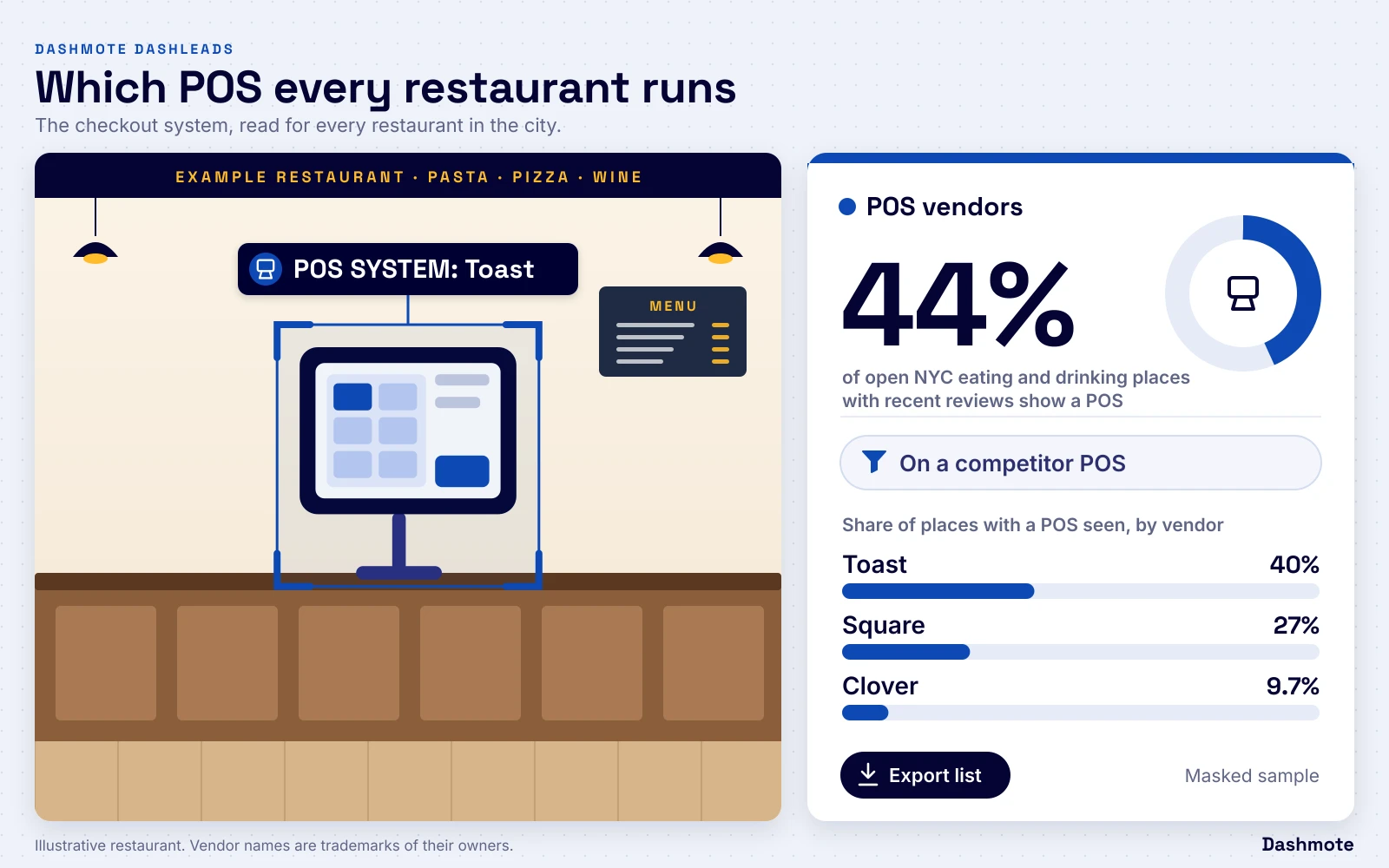
Dashmote records, for each restaurant, cafe and bar where the venue shows it in public, which point-of-sale system it runs. It sits next to the venue profile: type, cuisine, price level, independent or group-run, delivery presence and opening date. See restaurant POS system data for the cities and a map per city.
POS here means the point-of-sale system: the checkout software. For posters and menus in the venue, see POS material detection.
Prospect lists by system, venue type and area
Filter the venues in a territory and export the list your reps need:
- Rival system. Every venue on a named competitor's POS, by area and venue type, for a switch campaign.
- No system found. Venues with no visible POS system, ranked by fit, as open ground.
- New openings. Venues that opened recently and are choosing their set-up. See new restaurant openings data.
- Groups. Venues that belong to one operator, so one head-office deal covers several sites. See chain and operator data.
Each share counts the places where we can see the system; a venue with no visible system may still run one.
The right pitch for each venue
The POS decides what else a venue can buy: online ordering, table booking, loyalty and payments all connect to it. A venue that already takes orders online on its own channel or runs a rewards programme is a more digital operator, and the integration story matters more than price. See restaurant tech data for the four systems side by side.
Describe the venue you want in plain words, for example "independent cafes with online ordering on a rival system", and each venue gets a fit score from 0 to 100. See foodservice lead scoring.
EPOS prospect data: the facts
| Fact | Value |
|---|---|
| Open foodservice outlets in the Dashmote outlet database | 20M+ |
| Countries covered | 60+ |
| Menus | 8M+ |
| Data points per outlet | 100+ |
| POS system reads | selected cities; see restaurant POS system data |
Frequently asked questions
How do I find restaurants using a competitor's POS system?
Filter the venues in your territory by POS system: where a venue shows its POS in public, Dashmote records it, so you can list every venue on a named rival system by area and venue type.
Does POS here mean point-of-sale materials?
No: on this page POS means the point-of-sale system: the checkout software. Posters, menus and fridges in the venue are covered by POS material detection.
Which cities have POS system data?
POS system reads are available in selected cities, listed on the restaurant POS data page. New cities follow demand.
Is this a market share?
No: it is the share of places where we can see the system in public. A venue with no visible system may still run one.
Can I see new restaurants before they choose a POS?
You can see recent openings with their profile, so a rep can reach them early. See new restaurant openings data.
Can I load the prospect lists into our CRM?
Yes, by file or API: lists export as CSV or through the API, and CRM matching marks the venues you already serve.
Related reading
For sales leaders: the business case
An EPOS sales team spends most of its time finding out what a venue runs; this list starts with the answer.
- Switch campaigns with a target list. Every venue on a rival system in your territory, named and mapped.
- Open ground first. Venues with no visible system and new openings at the top of the list.
- Territories by fit. Count venues per system per area, so targets follow where your product fits.