
Delivery listings done right, outlet by outlet, with a fix list
Delivery listing compliance is the check of whether each outlet shows your product the way shoppers order it on delivery apps (the right name, an official image, a place in the combos, the core range), across 15M+ storefronts on 100+ platforms. A photo, the name shoppers know and a place in the meal deal decide the order, so each outlet gets a score and a fix list, and your team knows which listings to correct first.
The trusted intelligence layer for teams selling to Hospitality & Retail




Listed is not the same as listed well
A shopper scrolling a delivery menu decides in seconds. A product with a photo, the name they know and a place in the meal deal gets picked; a line of text reading 'Soft drink 33cl' does not. Each outlet writes its own menu, so the same product can appear in good shape at one restaurant and nearly invisible at the next.
Listing compliance asks four plain questions per outlet:
- Is my product called by its correct name, so shoppers recognise it?
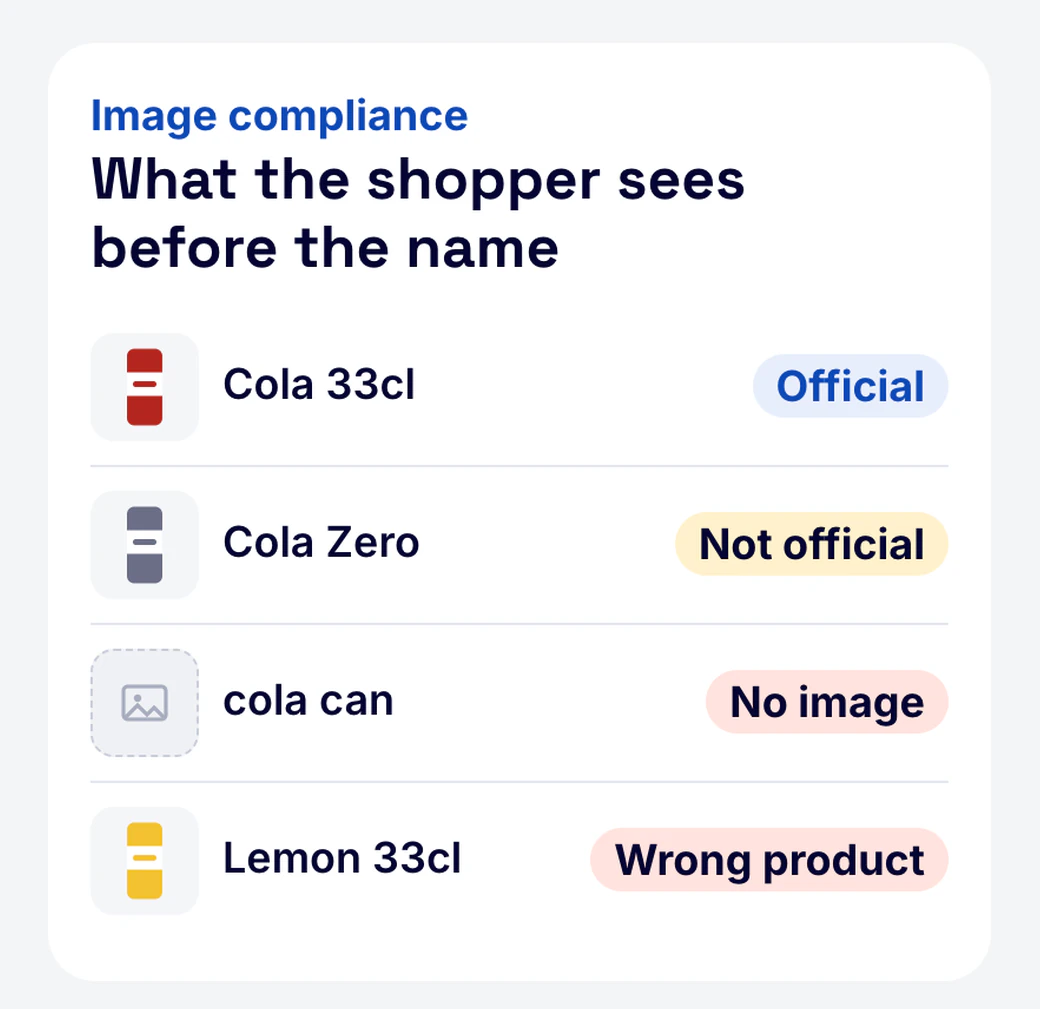
- Does it carry an official image, or a blurry photo, or none?
- Is it inside the combos and meal deals where a drink or side is part of the bundle?
- Is the core range listed, or only one product?
This is a different job from availability tracking, which answers whether your product is listed at all. Compliance starts where availability stops: you are on the menu, now check how.
Four checks, one score per outlet
Each outlet that lists your brand is checked against the standard you set for your range:
| Check | Passes when | Typical failure |
|---|---|---|
| Name | The listing uses your official product name or an agreed variant | 'Cola', 'Soft drink', a misspelling or the wrong pack size |
| Image | The listing shows an official product image | No image, an old pack design, a competitor's photo |
| Combo | Your product is named in the combos that include its category | Combos name a competitor, or only 'a drink' |
| Core range | The outlet lists the products you expect it to carry | One product listed out of three |
The compliance score of an outlet is the share of applicable checks it passes, from 0 to 100. A check only applies where it can fail: an outlet that sells no combos is not marked down for missing combos. Scores roll up to city, outlet type, account and app, so you see where compliance is weakest.
From score to fix list
A score tells you where to look. The fix list tells you what to do:
- Sort by score. Start with the outlets that fail the most checks, and among them the ones that matter most to your plan: key accounts, priority cuisines, priority cities.
- Filter by failure type. Image fixes go to whoever supplies product images; name fixes and combo asks go to the account or field team.
- Hand over the list. Each row carries the outlet, the app, the product and the failed check, so nobody has to open the app to find the problem.
- Check at the next refresh. The same view shows which fixes landed and which outlets slipped back.
Your team or agency fixes the listings, working from the list. For chain and franchise accounts, the same checks run per location in key account gaps on delivery apps.
Worked example: five outlets, four checks
Take a soft drink brand with a core range of three products in one city, and five outlets on one delivery app:
| Outlet | Name | Image | Combo | Core range | Score |
|---|---|---|---|---|---|
| First outlet | pass | pass | pass | pass | 100 |
| Second outlet | pass | fail | pass | pass | 75 |
| Third outlet | fail | fail | not applicable | pass | 33 |
| Fourth outlet | pass | fail | fail | fail | 25 |
| Fifth outlet | pass | pass | fail | pass | 75 |
The third outlet sells no combos, so its score is 1 of 3 applicable checks. Across the city, the image check fails most often: 58% of the brand's listings carry an official image. That points to one fix that reaches many outlets, sending the official image set to the outlets that lack it, before any outlet-by-outlet conversation.
The fourth outlet fails three checks and is a large outlet, so it goes to the top of the field team's list.
Frequently asked questions
What is delivery listing compliance?
Delivery listing compliance is the check that each outlet on a delivery app shows your product with the correct name, an official image, a place in the right combos and the core range you expect. It measures how well you are listed, not whether you are listed.
How is the compliance score calculated?
The compliance score is the share of applicable checks an outlet passes, from 0 to 100. A check that cannot apply, such as combos at an outlet that sells none, is left out rather than counted as a failure.
Can I set my own standard for names and images?
Yes. You define the official names, the accepted variants and the core range per outlet type, and the checks run against that standard.
How is this different from availability tracking?
Availability tracking tells you whether your product is listed in an outlet at all. Listing compliance checks how it is listed once it is there: name, image, combo and range.
Does Dashmote fix the listings?
DashONE gives you the fix list. Your team or agency makes the fixes, working outlet by outlet from the list, and the next refresh shows which ones landed.
How often is compliance re-checked?
Compliance is re-checked monthly, and every result is dated, so you can see which outlets improved and which slipped since the last refresh.
Related reading
The business case for your Head of eCommerce
When you need the budget for listing quality, bring these three points:
- A standard you can measure: name, image, combo and range are checked the same way in every city and on every app, with a date on each result.
- Fixes in order of value: outlets are ranked by how many checks they fail and filtered to your priority accounts and cities, so effort goes where it counts.
- Content quality on the agenda: a compliance score per account and per city turns listing quality into a number the team reports on.